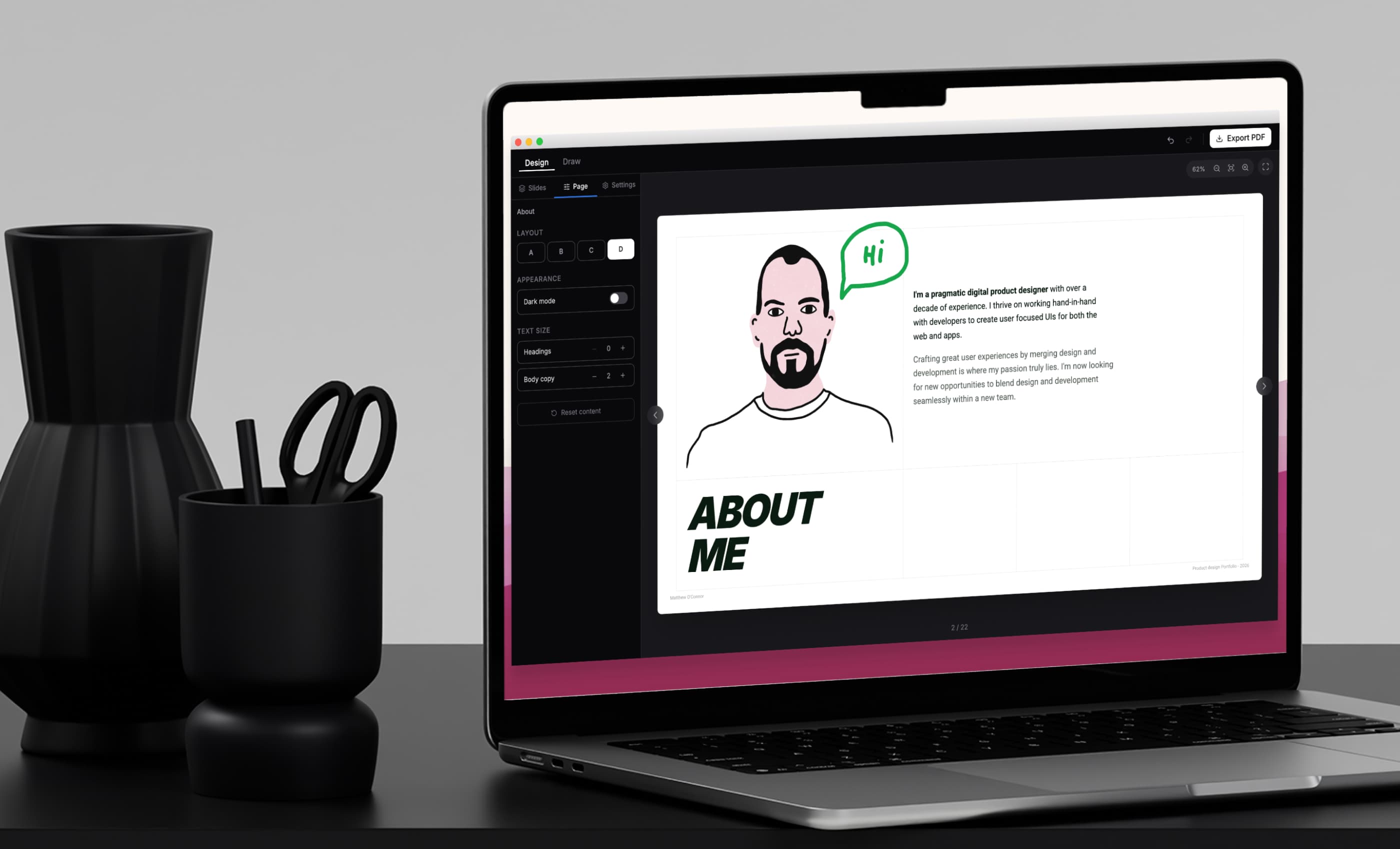
How AI replaced Figma, transforming how I manage my portfolio
The problem
My portfolio lived in Figma as a set of frames exported to PDF. Maintaining it became frustrating.
Small edits required opening the file, adjusting layouts, fixing spacing, and exporting again. Manual page-by-page design meant small changes could cascade across slides.
The PDFs were huge and always needed a long compression step after export.
The idea
Instead of editing a static document repeatedly, I wanted a system to generate it.
As I had already made a PDF export tool with AI, I knew I could make something bespoke to help remove my pain points: build a lightweight document builder tailored to my portfolio, define reusable templates and assemble them into a document, let the system handle layout so I can focus on content, and add programmatic elements so some pages build themselves.
The tool
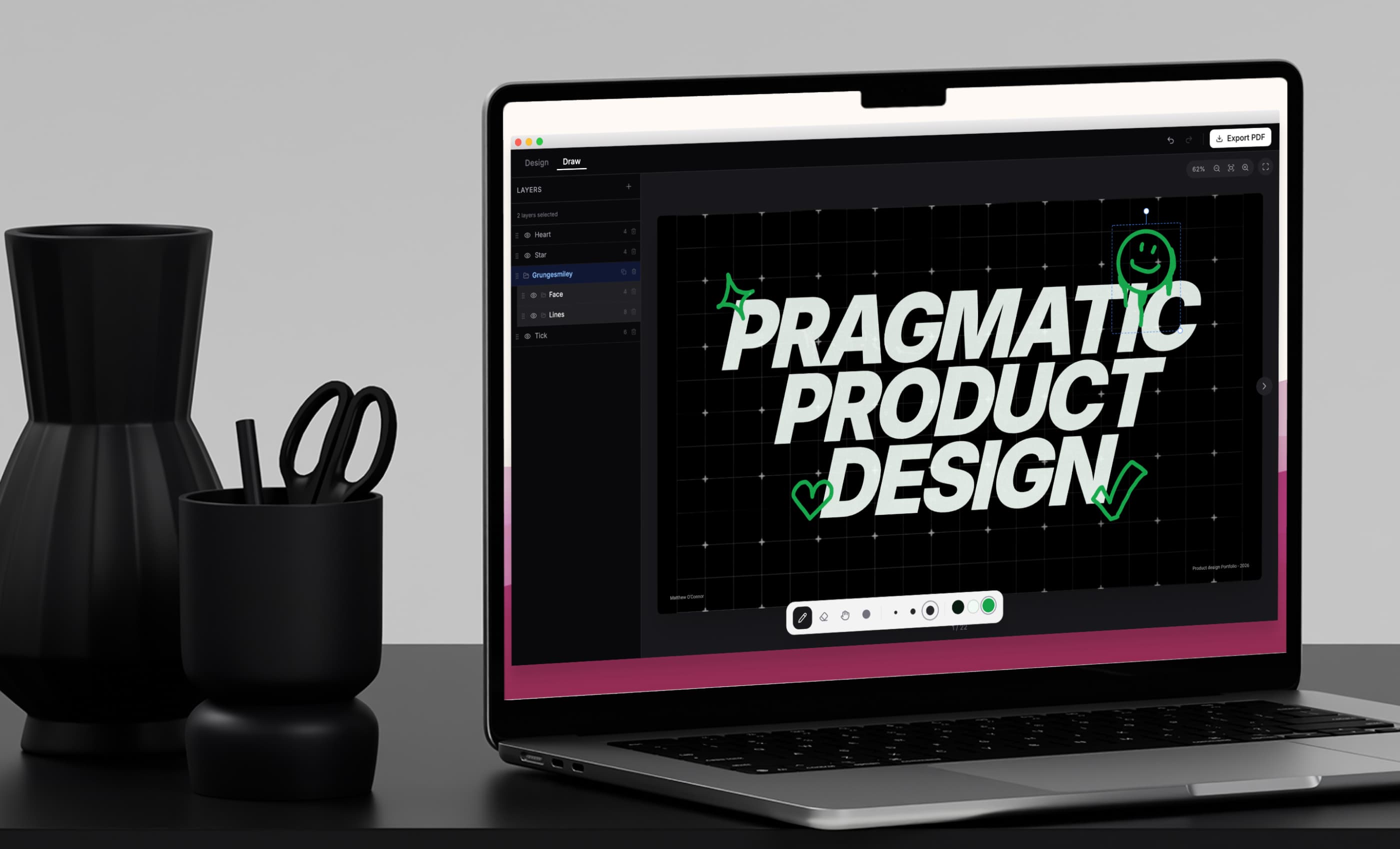
A custom PDF builder designed for my portfolio.
It features a slide arrangement panel to reorder pages, a library of reusable templates bespoke for my needs, page-level settings per slide, global document settings, and a lightweight drawing mode for simple sketches — adding life back into a static document.
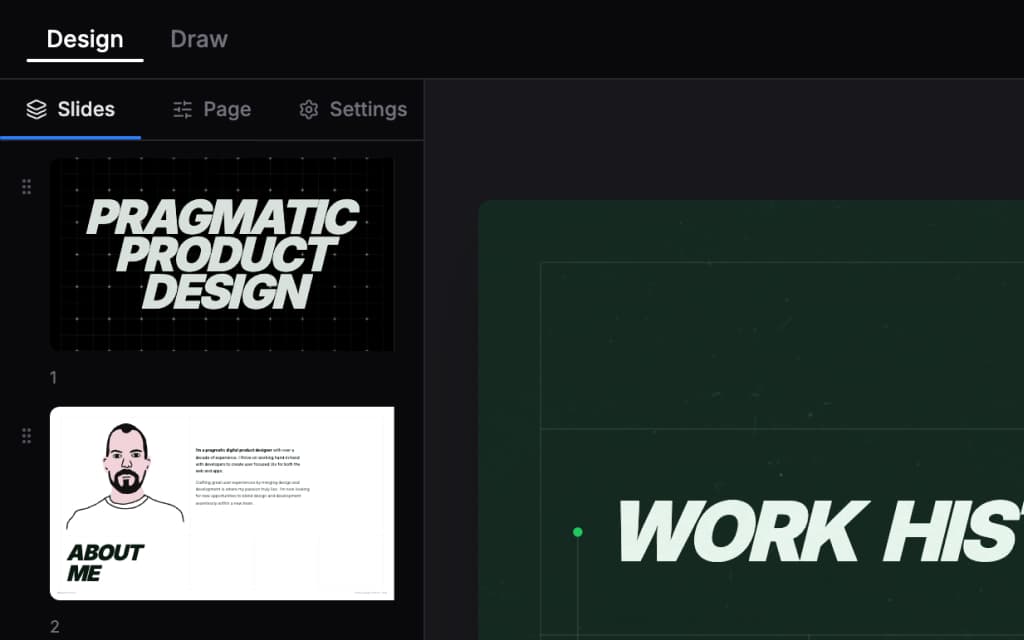
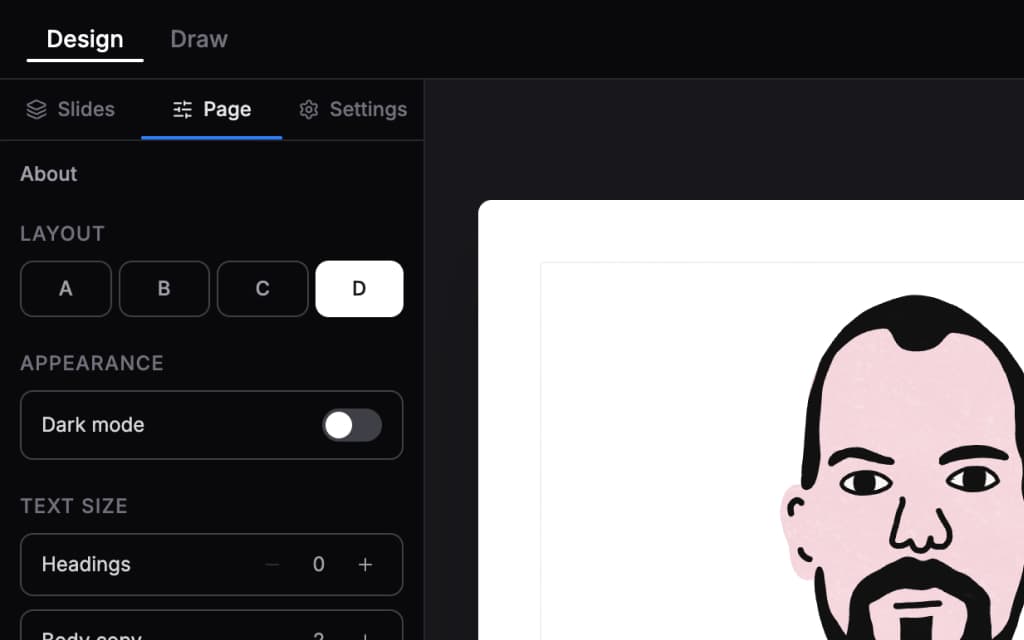
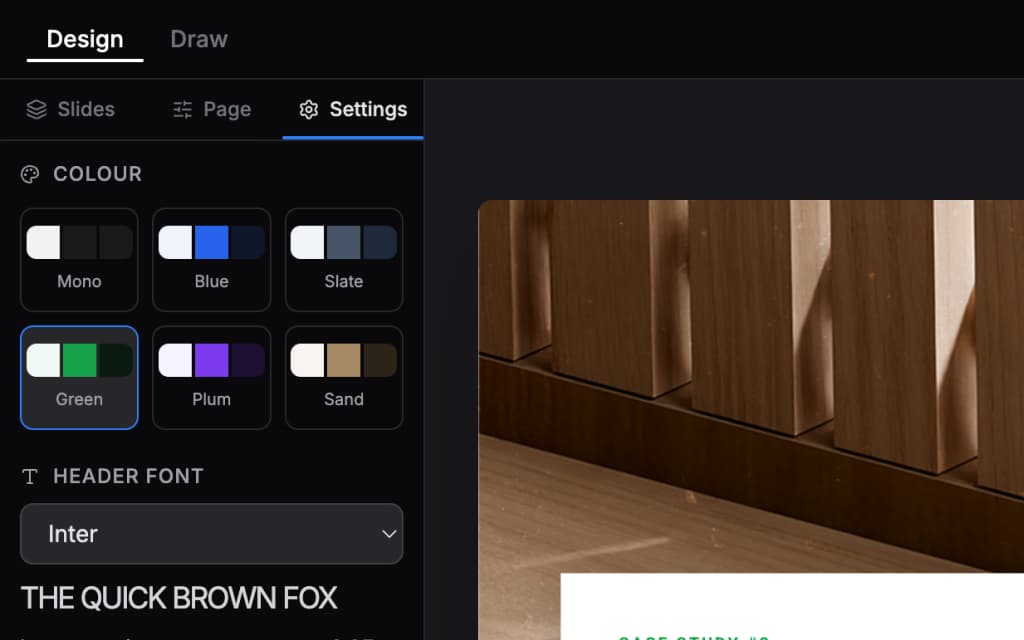
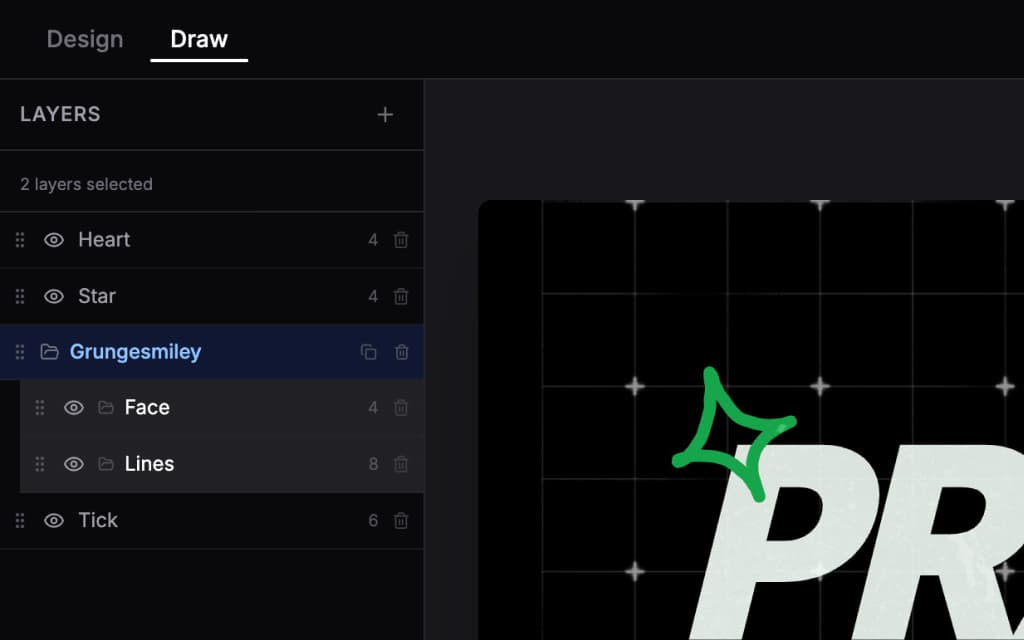
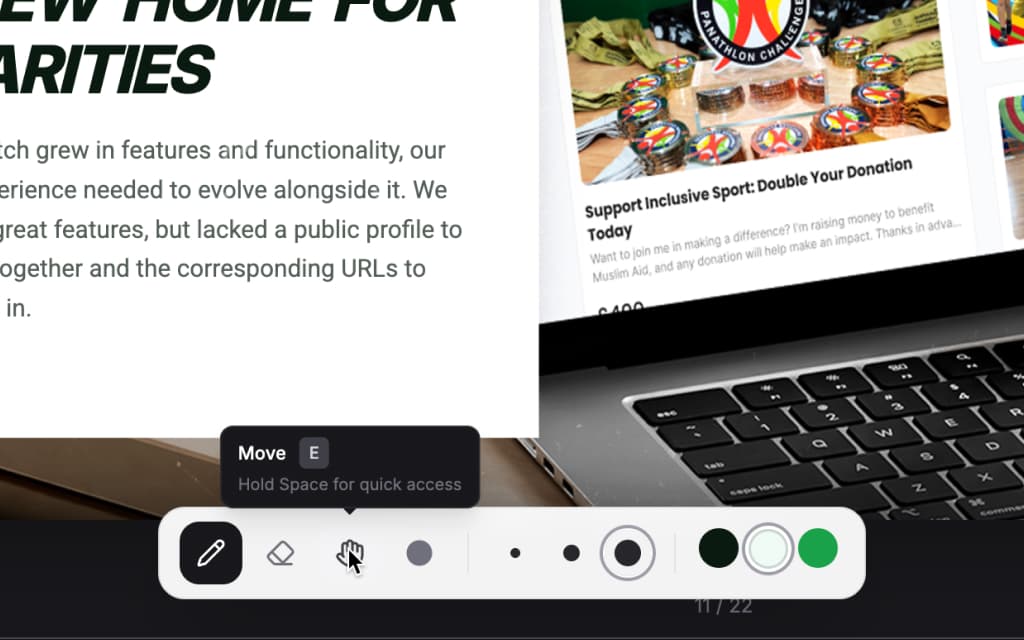
Full slide editing with drag and drop
Smart behaviour
Some sections behave intelligently. This behaviour is only possible because the system is code-driven, and for me it was only feasible to implement using AI to write that code.
"Places I have worked" pages auto-generate a timeline slide. So the more work-history slides I add, the longer the timeline slide becomes.
Case study pages are automatically numbered based on the number of templates.
Drawing mode was added towards the end of the build to add a human quality to the document. It features layers, groups, multiple line thicknesses and colours mapped to the theme.
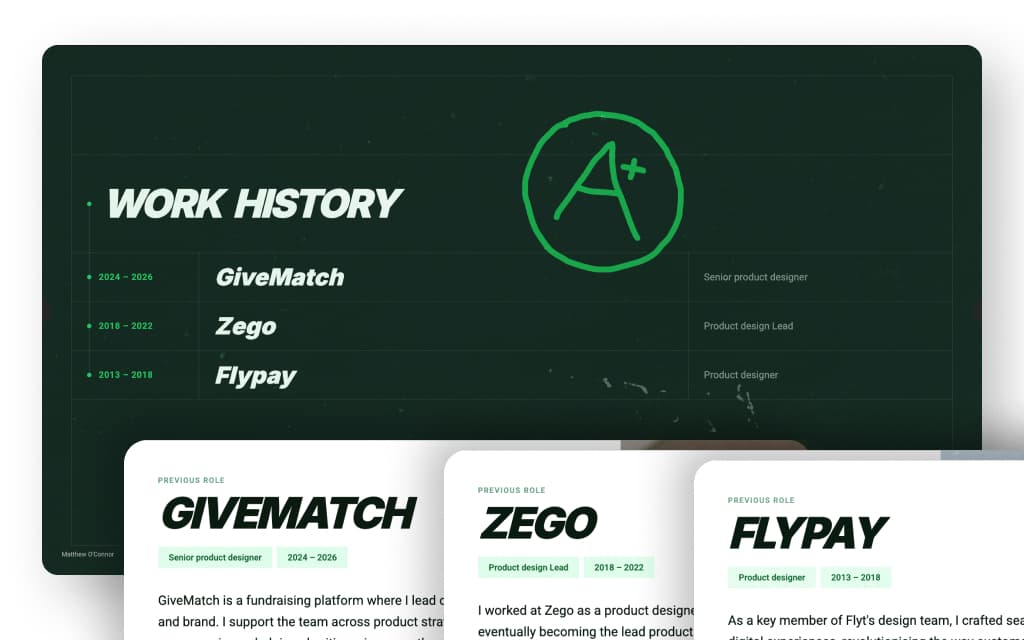

Work history slide is populated from jobs slides
Building with AI
This process is where AI assistance shines. It allowed me to write code to automate layouts and behaviours I could not have implemented manually.
For instance, the first PDF it output was around 350MB. All I had to do was ask my AI to make it smaller, and it managed to compress the file output to around 4MB.
Built iteratively with AI-assisted development. Describe behaviour, test immediately, refine interface. Design and build happened simultaneously — no static mockups.
Outcome
The tool dramatically simplifies maintaining my portfolio, letting me focus on content rather than layout and repetitive formatting. I no longer need to go through a lengthy compression process, and the file looks better and is more consistent.
It turns a frustrating workflow into a small, personal publishing system.